

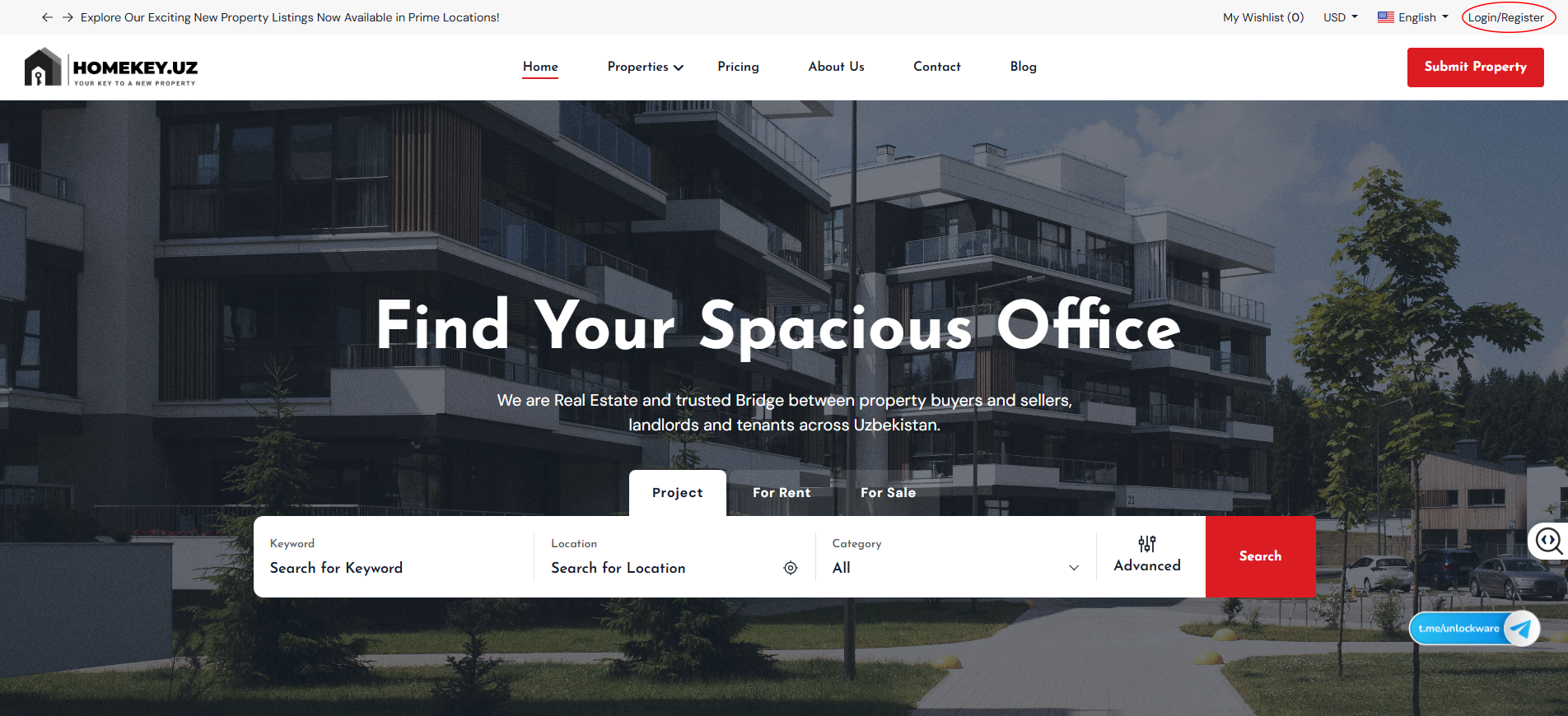
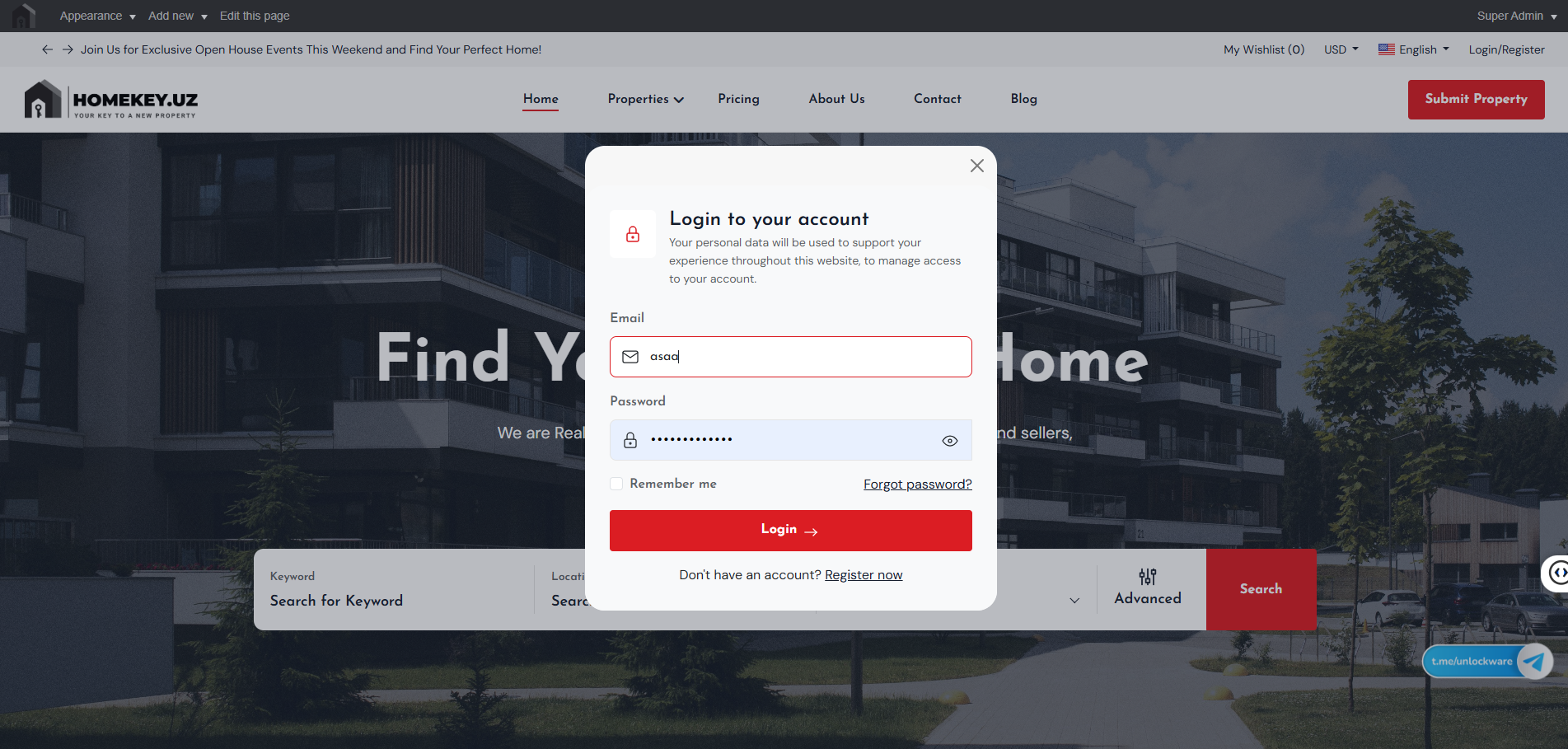
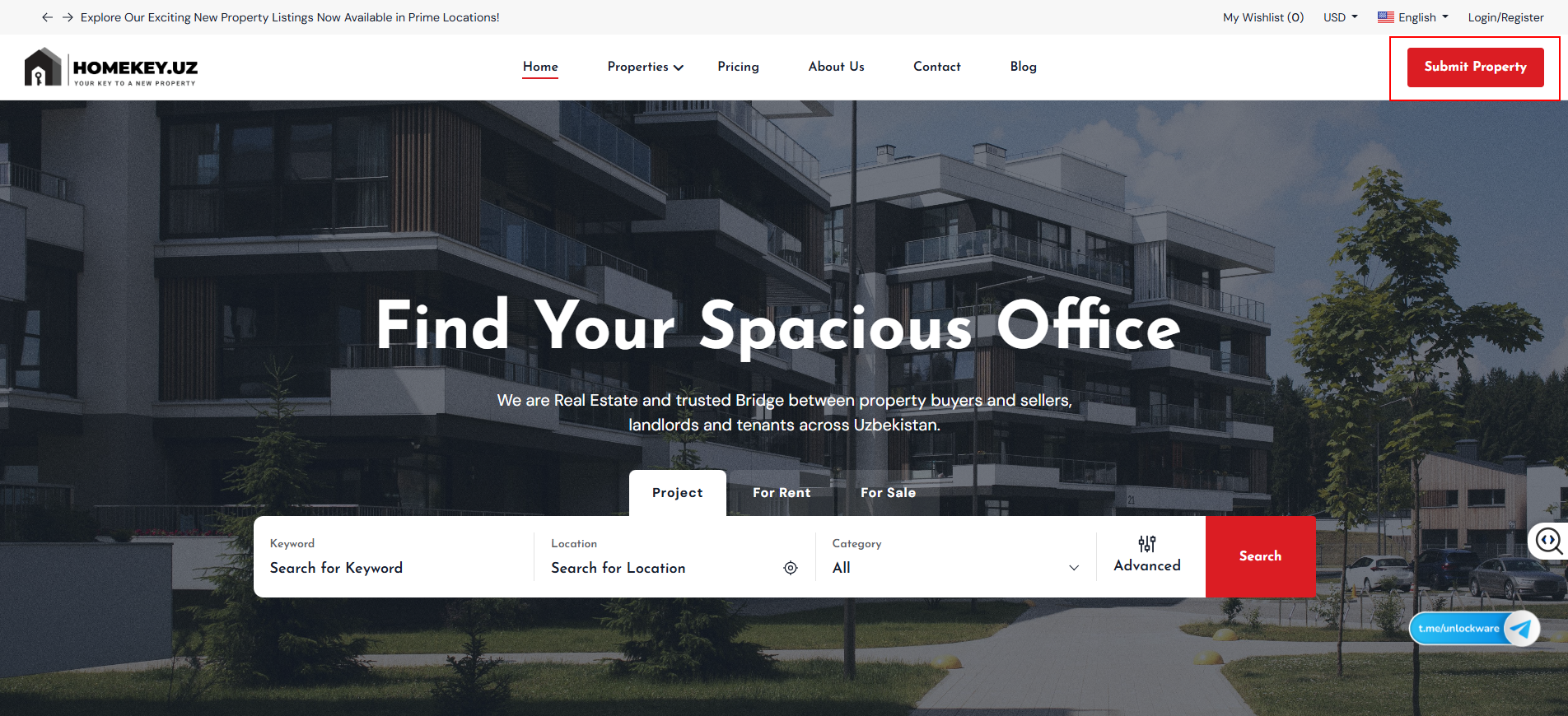
Open homekey.uz. In the top-right you’ll see Login/Register.
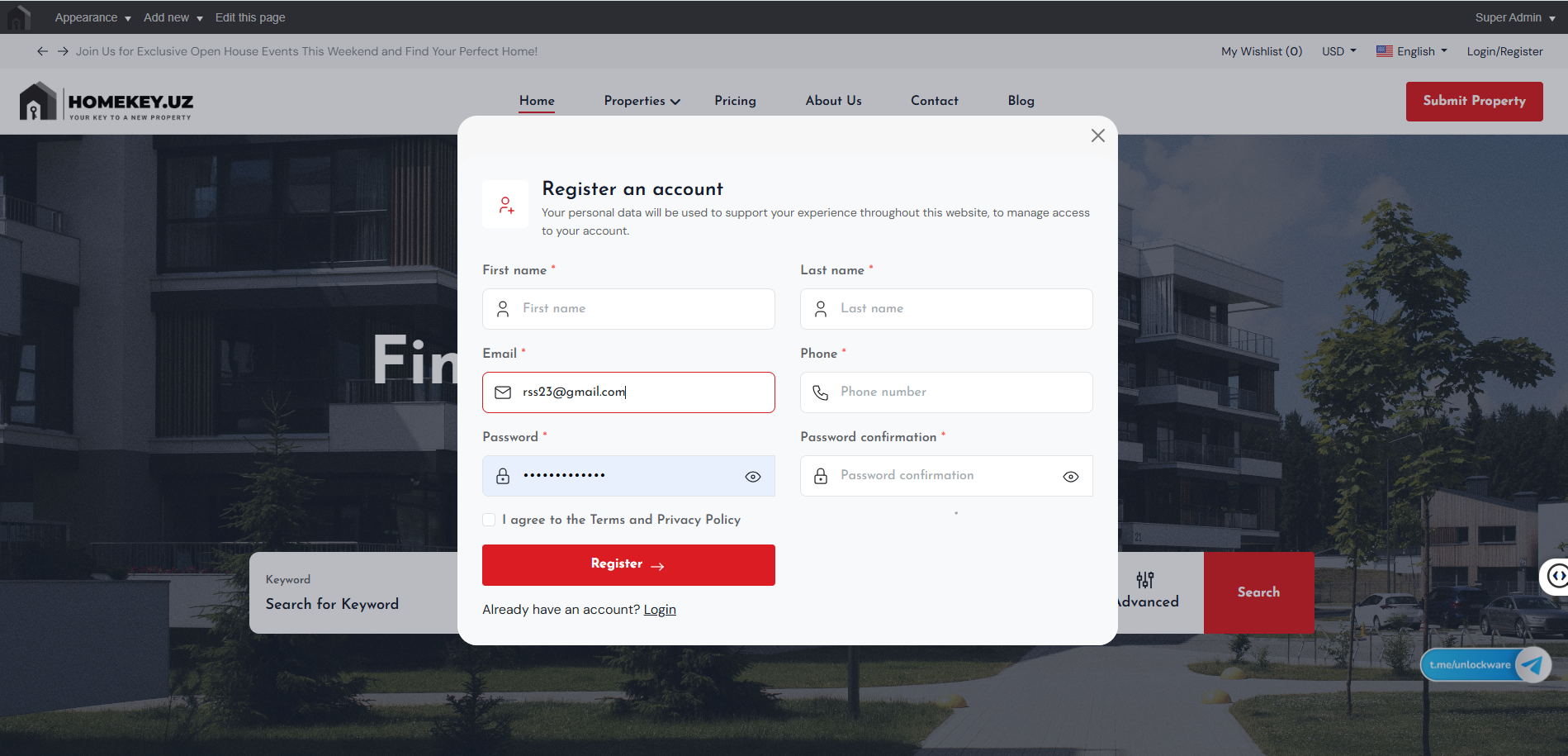
New to HomeKey? Click Register now, then add your first/last name, email, phone, password, and agree to the Terms.
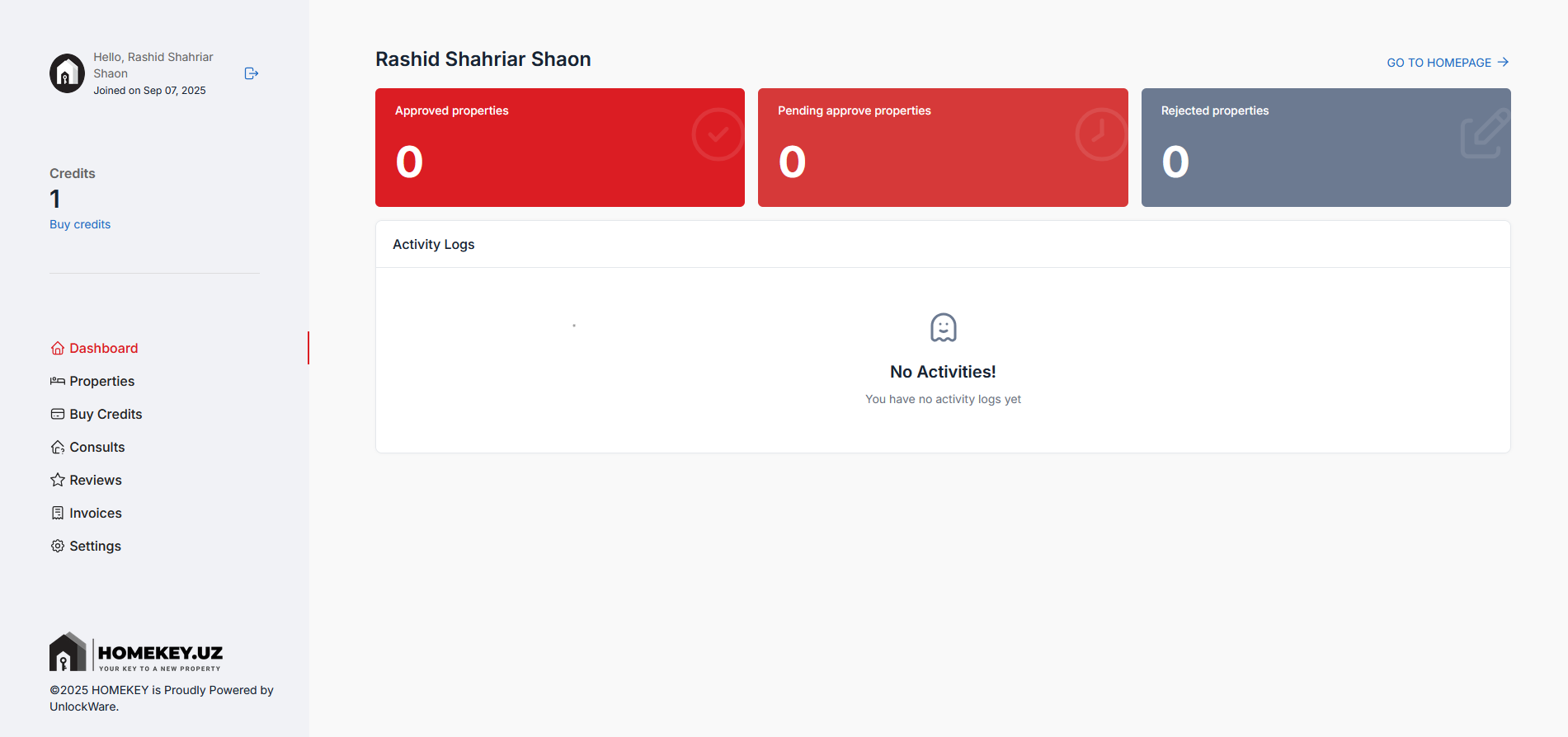
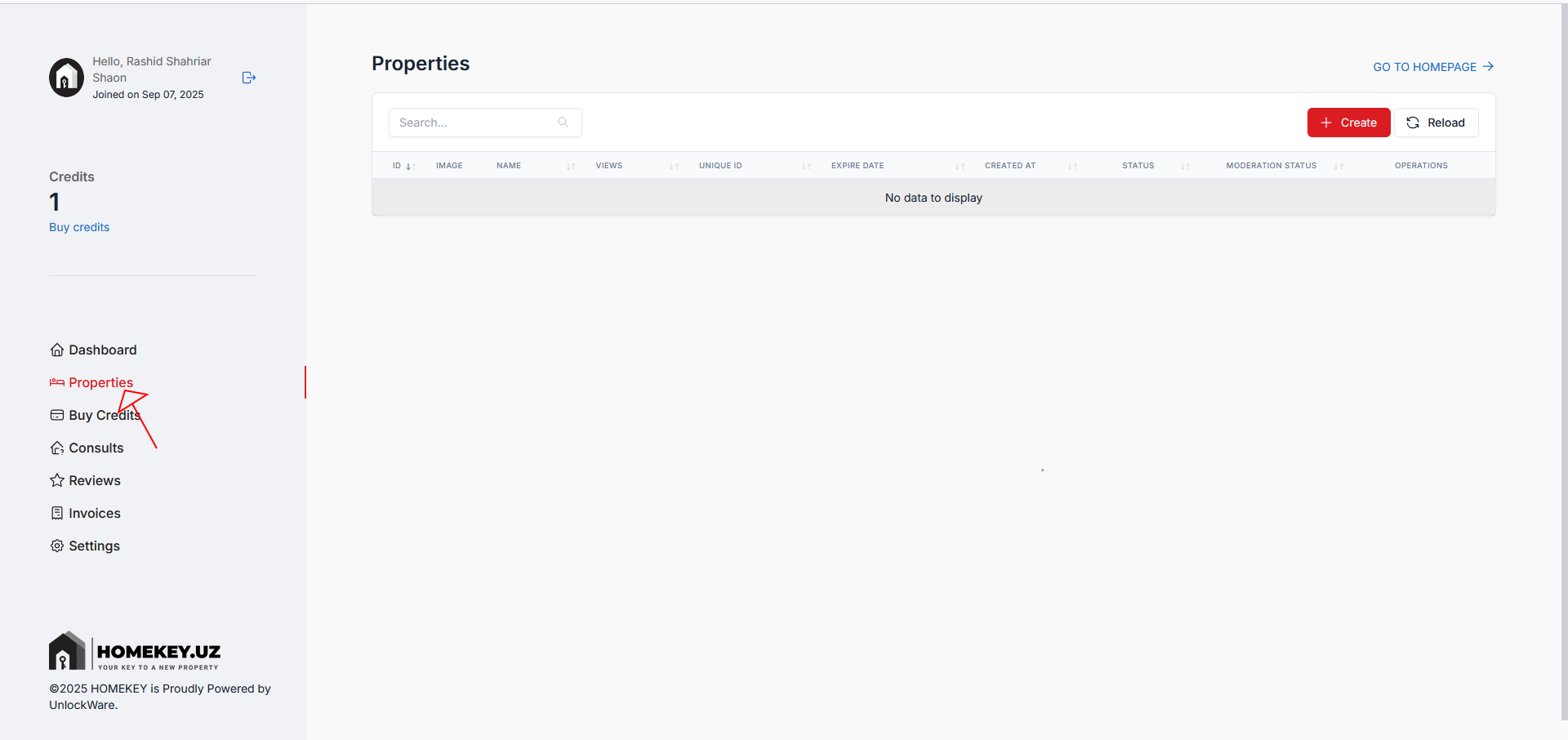
From the left sidebar, click Properties. This is where all your posts live
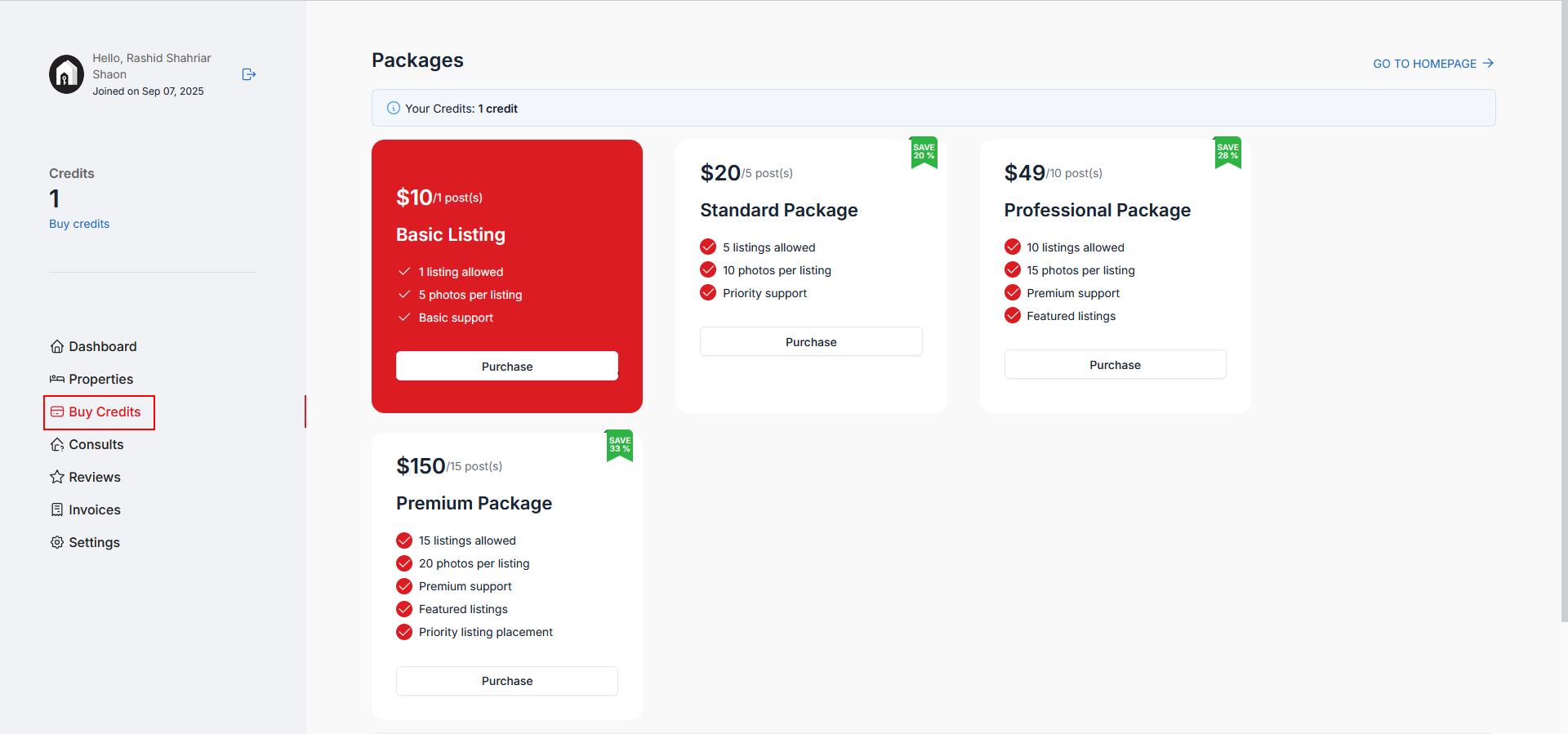
You need at least 1 credit to create a listing. If you have 0 credits or see a notice to add credit, click Buy credits.
Pick a package that fits your needs (e.g., Basic, Standard, Professional, Premium) and complete the purchase. Credits are added to your account immediately after payment.
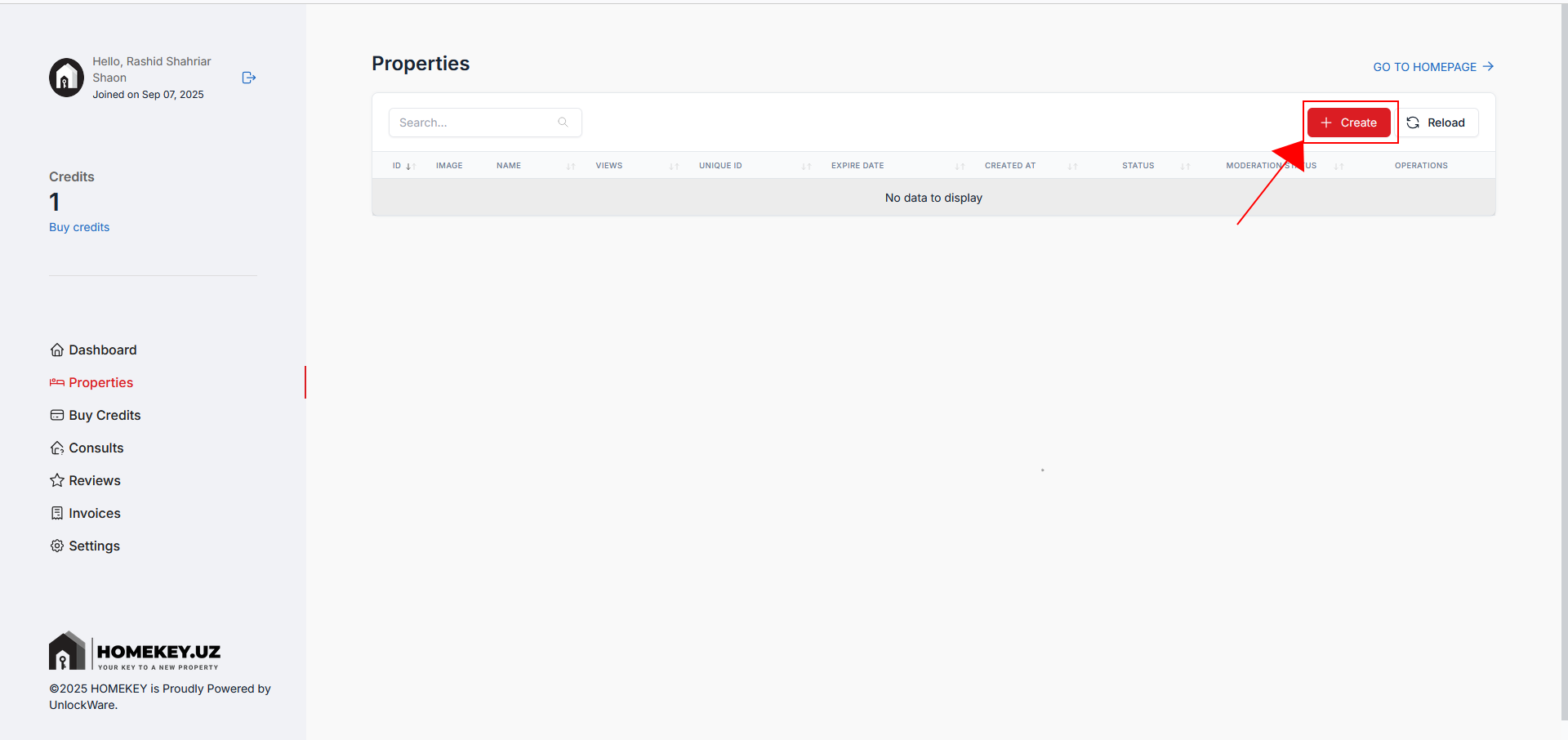
Return to Properties and click the red + Create button to open the listing form.
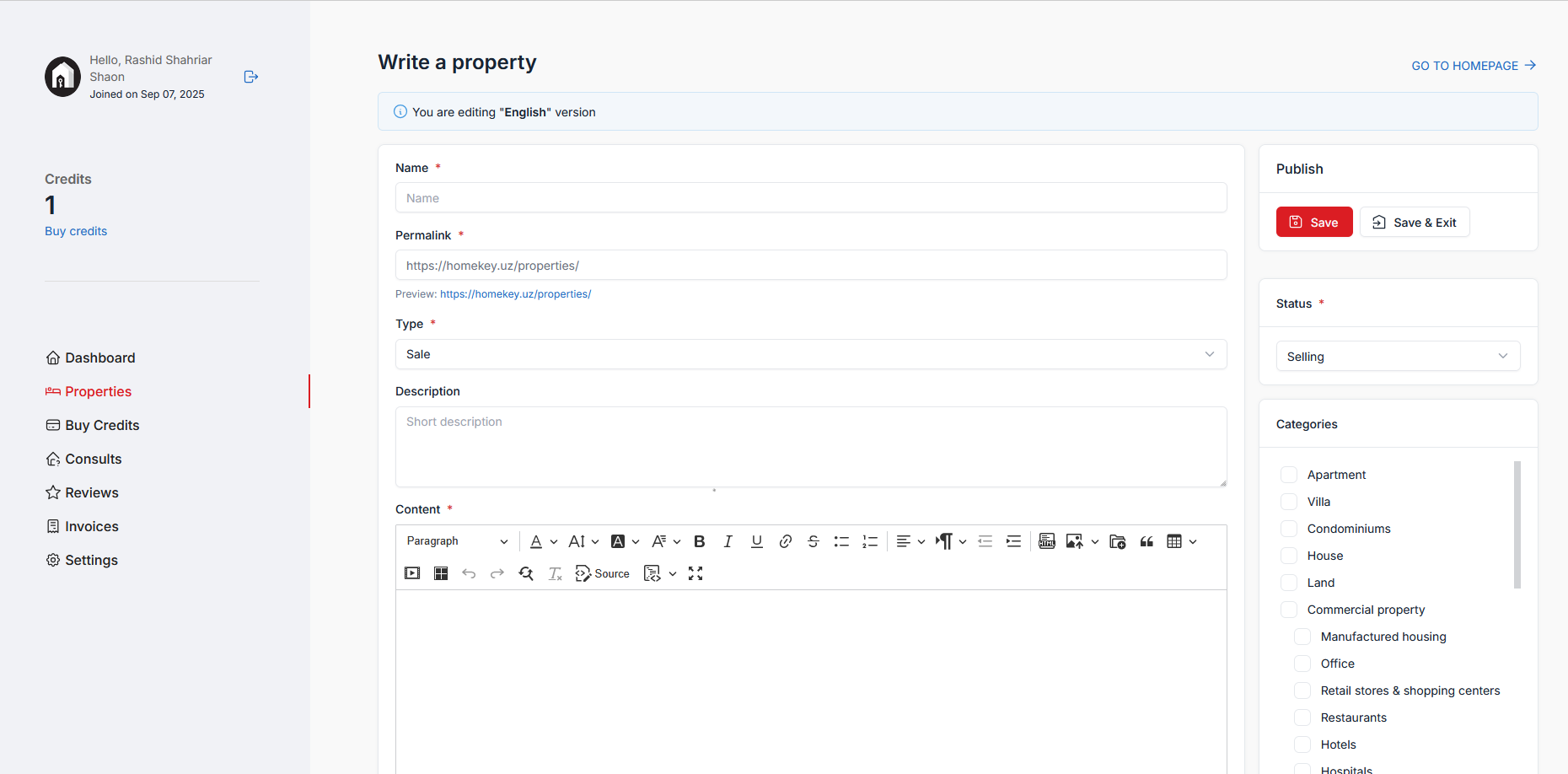
Provide details that help buyers/renters find you:
Title & Description: Clear, specific, and benefit-focused.
Category: Project / For Rent / For Sale.
Location & Price: Choose accurate city/area; set transparent pricing.
Property details: Area, bedrooms, bathrooms, floor, parking, heating/cooling, etc.
Amenities: Select all that apply.
Media: Upload bright, high-resolution photos (and video/virtual tour if available).
Preview before submitting.
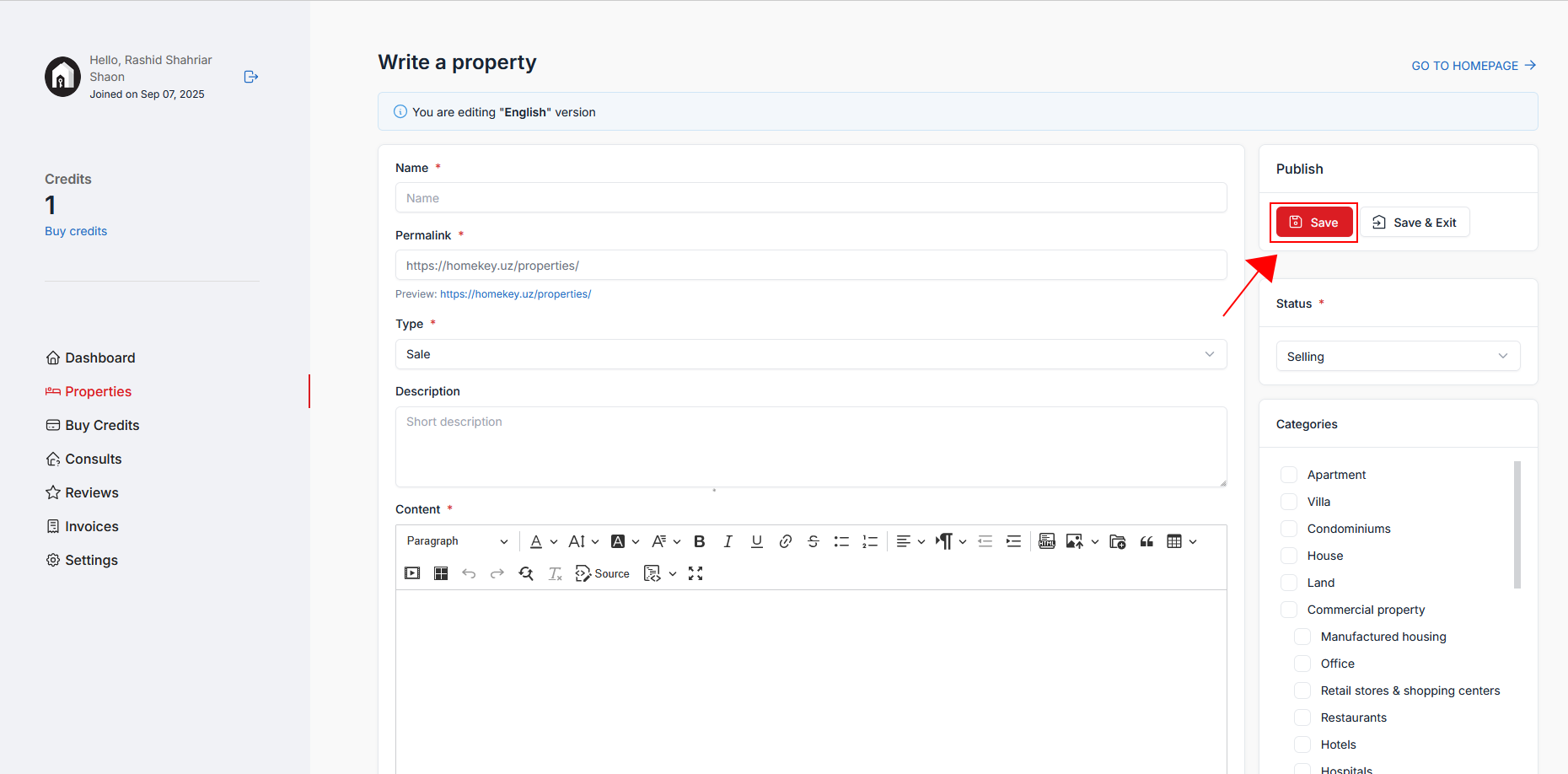
Click Save. Your post goes to moderation. If updates are requested, edit and resubmit.
Back on Properties, watch Moderation Status (e.g., Pending, Approved). Use the actions to view, edit, renew, or delete your listing. Buy more credits when needed.